Real DMC thread colours
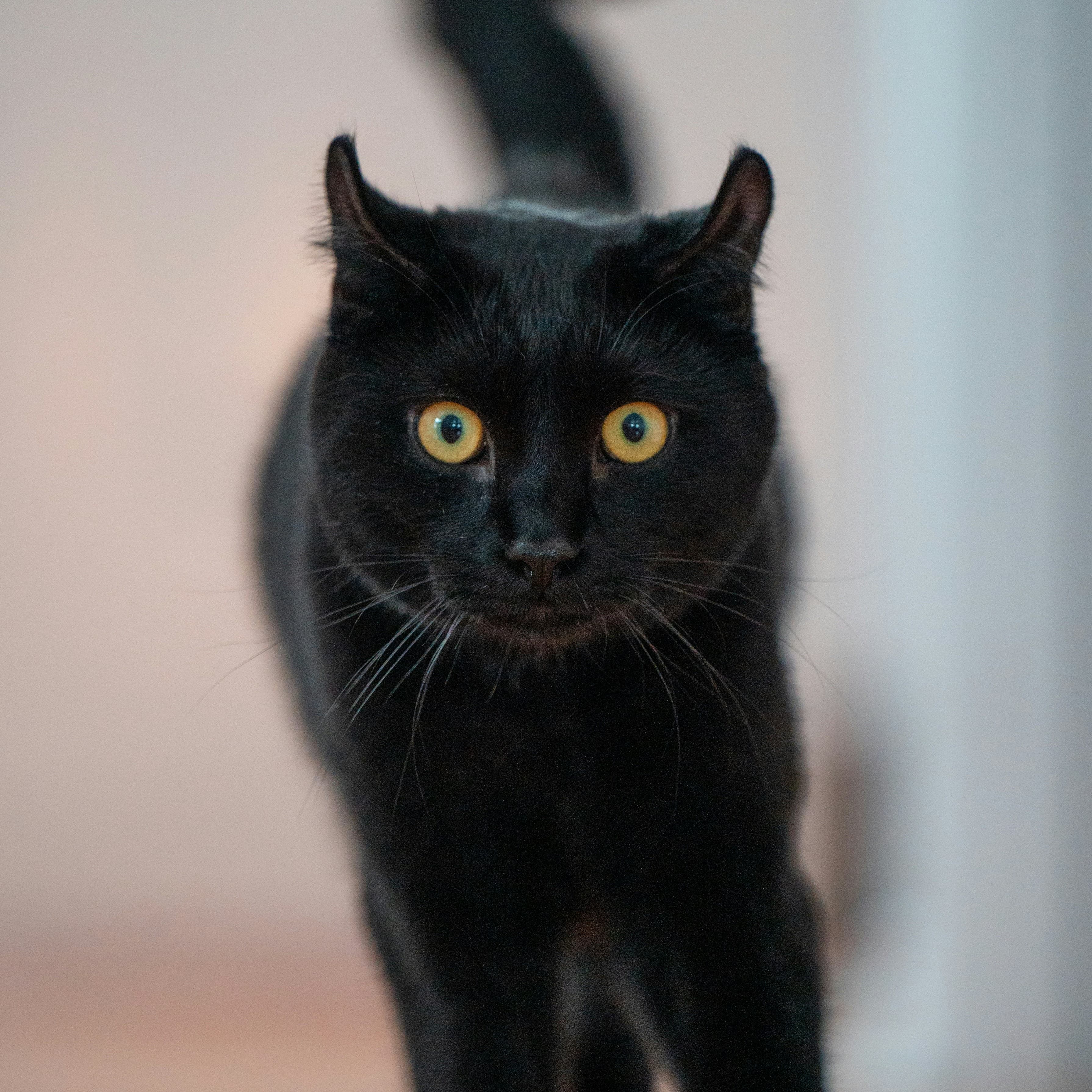
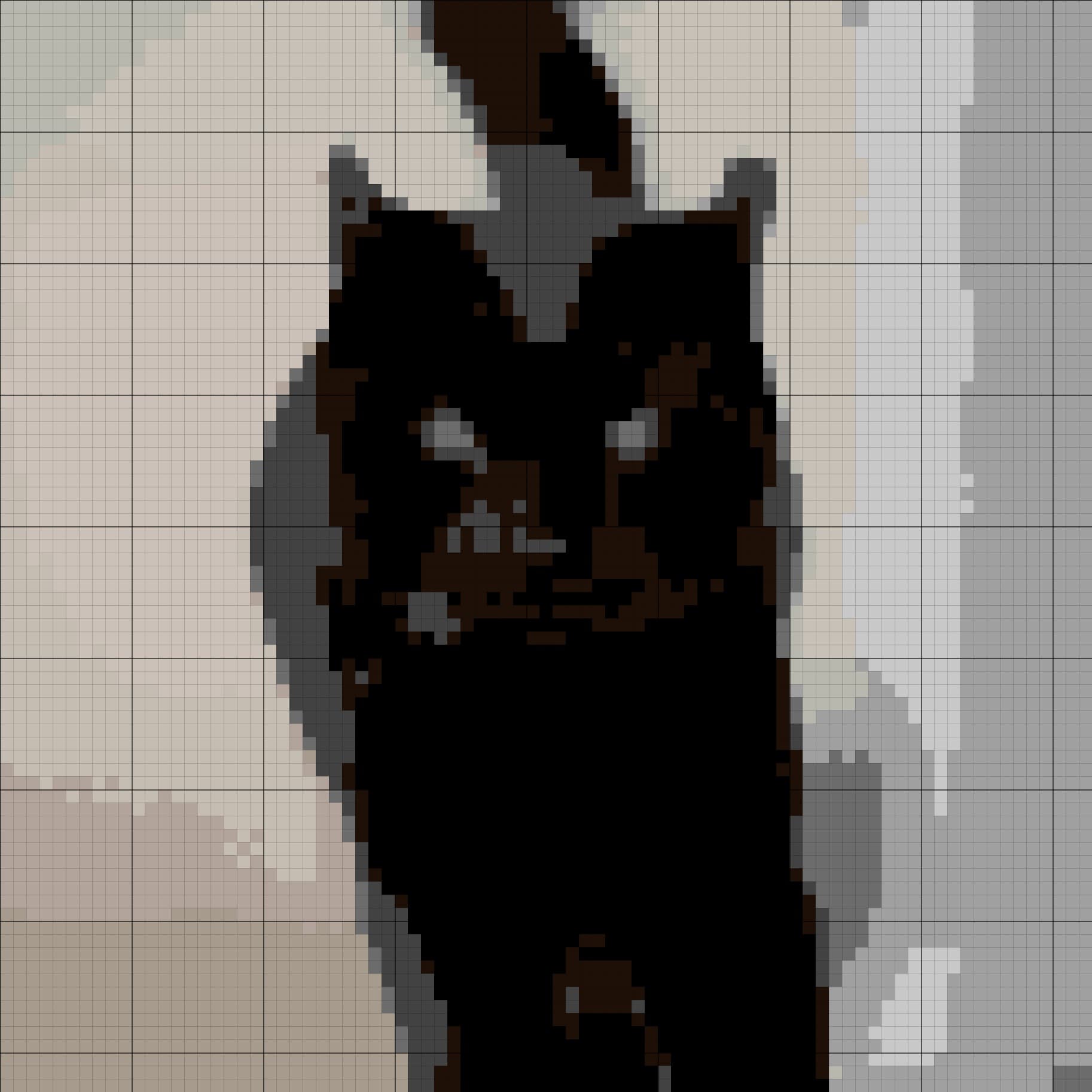
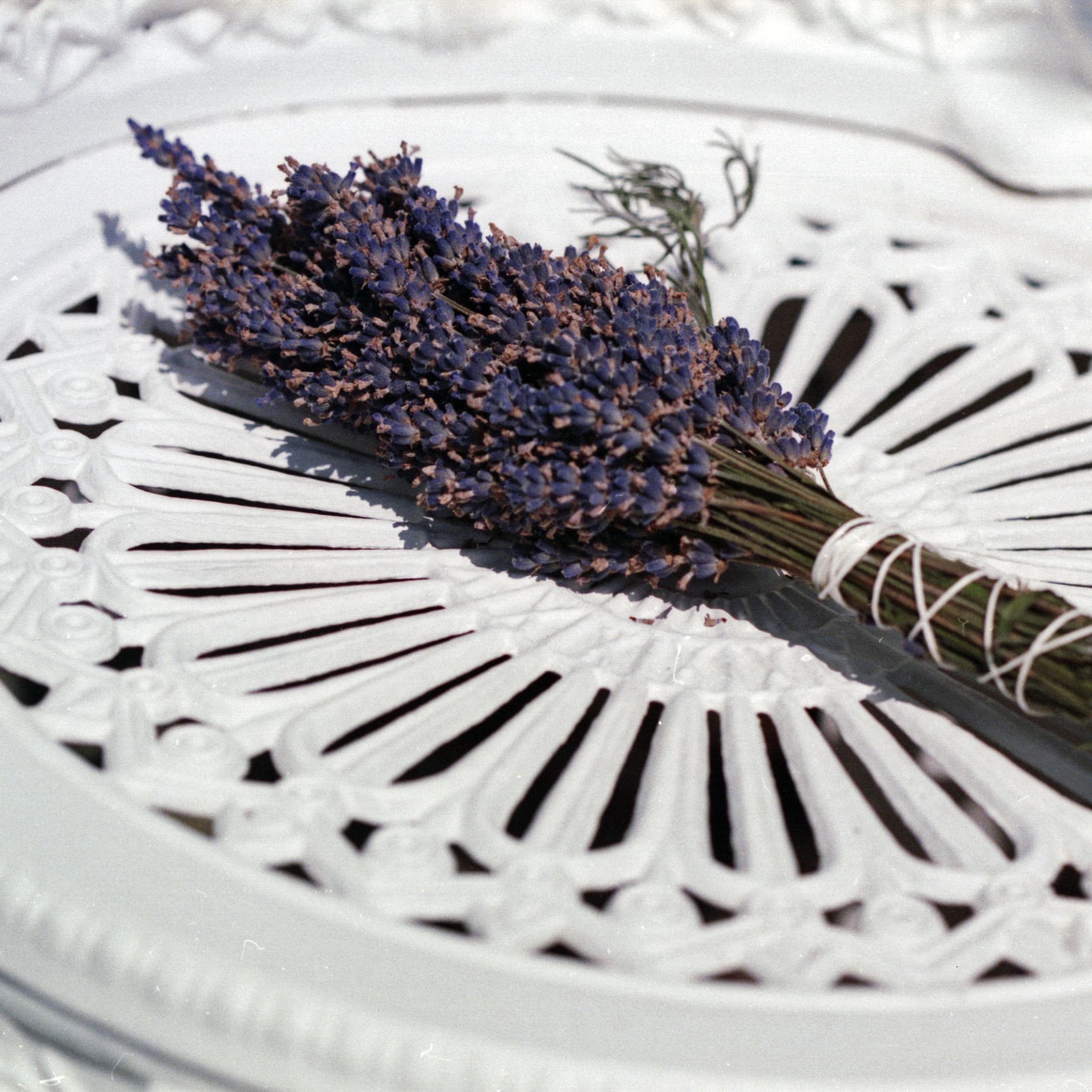
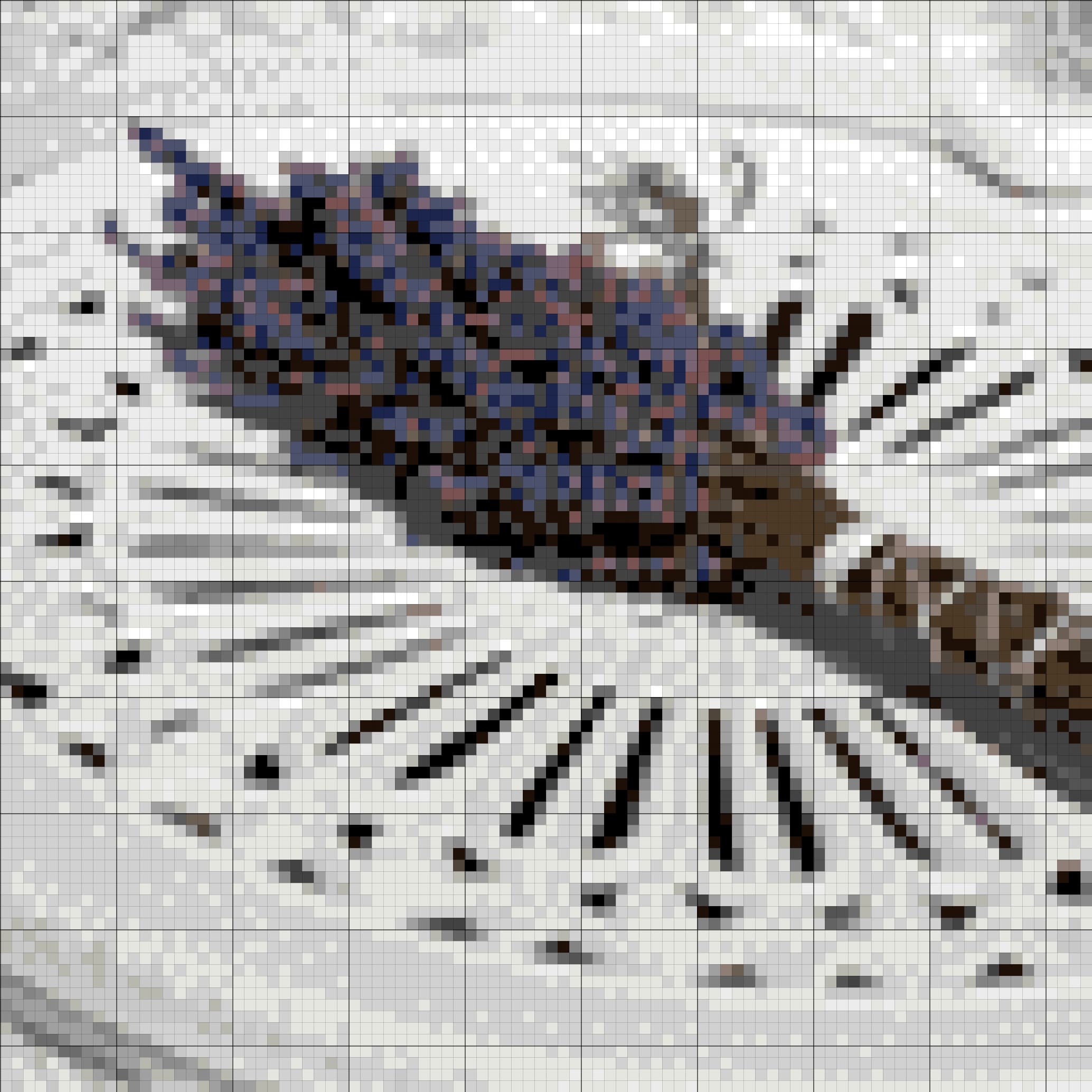
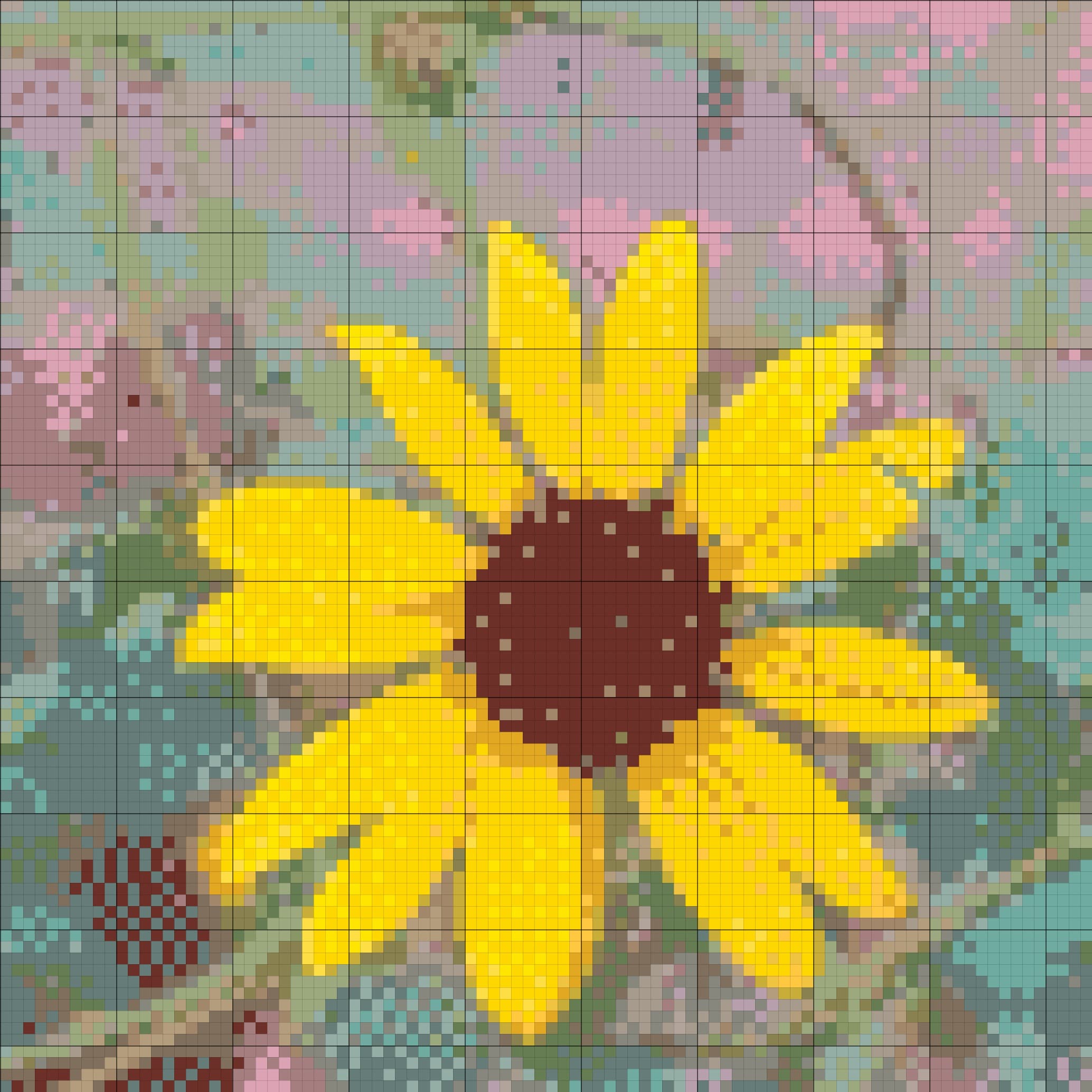
The cross stitch pattern generator maps the image to DMC floss codes, so the digital chart connects to thread you can actually buy.
Free online tool
Convert a photo or picture into a cross stitch pattern with real DMC thread colours. StitchBitz is a free cross stitch chart maker and photo-to-pattern tool that creates an editable, printable chart in your browser.
Start here
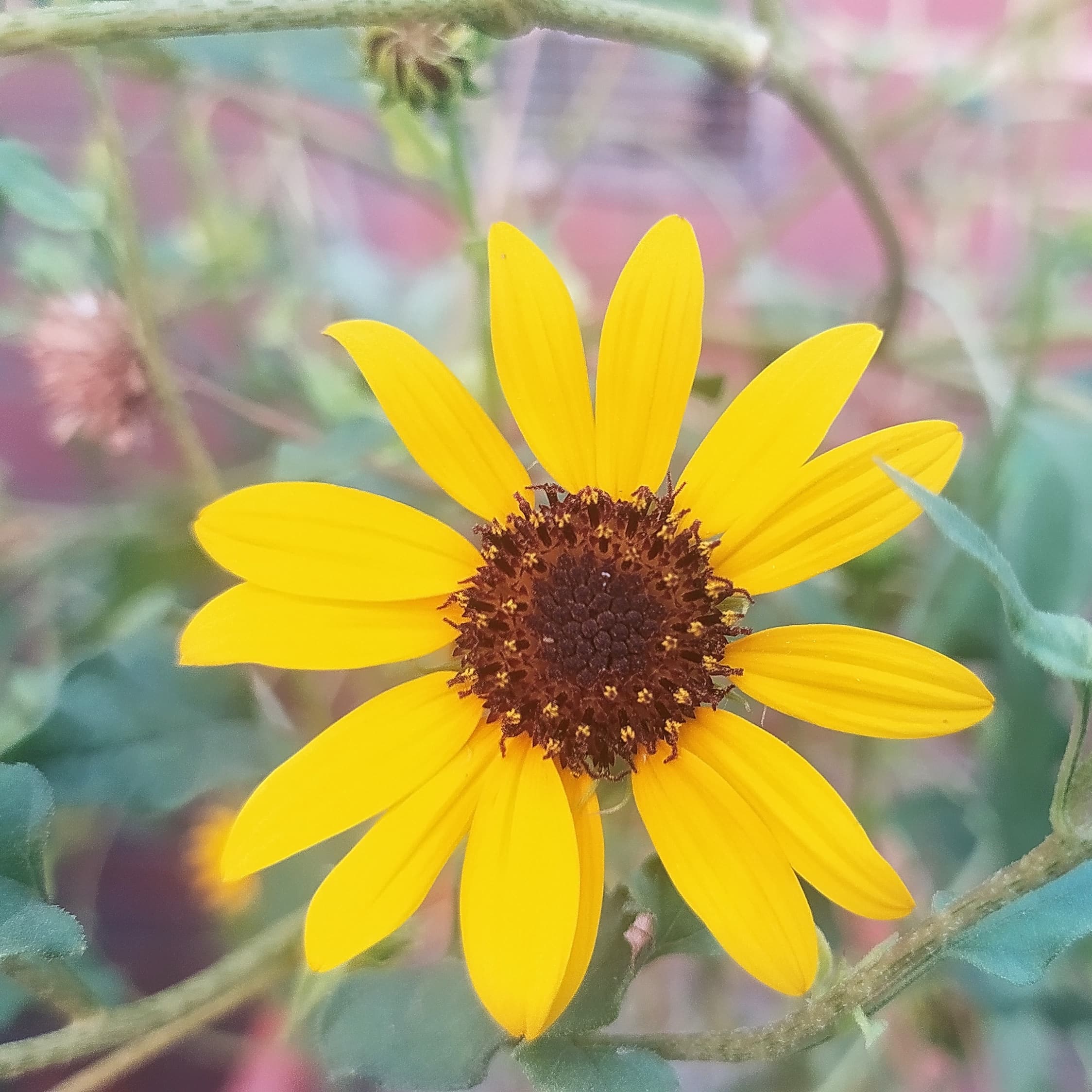
Upload a photo or image to make a cross stitch pattern
100% free · PNG, JPG, HEIC
A chart you can actually stitch
A useful cross stitch pattern maker simplifies the picture, matches it to real thread, and gives you control over the final chart.
The cross stitch pattern generator maps the image to DMC floss codes, so the digital chart connects to thread you can actually buy.
Tune stitchability to smooth noisy areas and reduce scattered confetti stitches without losing the shape of your subject.
The photo to cross stitch conversion happens on your device. There is no upload, account, or server-side image storage.
Refine colours, remove stitches, add detail, check the floss list, and export the finished pattern as a PDF or JPG.
Worked examples
Explore finished charts made with the same photo to cross stitch workflow. Open an example to inspect its materials, edit the pattern, or download a printable chart.
How it works
Start with a photo, adjust the chart for your fabric and stitching style, then download the pattern you want to make.
Read the complete photo-to-pattern guideChoose a clear JPG, PNG, HEIC, or WebP image. Pets, portraits, flowers, and simple objects work especially well.
Crop and position the part of the image you want to stitch, then choose the finished size and Aida fabric count.
Create the chart, adjust the stitchability and DMC palette, and make manual edits until the pattern feels right for your project.
Export a print-ready PDF with symbols, floss details, and project information, or download a high-resolution JPG chart.
Good to know
Learn how the free cross stitch pattern generator handles your photo, colours, edits, and downloads.
Yes. StitchBitz is a free cross stitch pattern maker: upload a photo, generate an editable DMC chart, and download a PDF or JPG without an account.
Yes. Upload a JPG, PNG, HEIC, or WebP photo and StitchBitz converts the image into a counted cross stitch chart. You can crop the picture, choose a finished size, and tune how much detail the pattern keeps.
No. Image processing and pattern generation run in your browser, so your photo stays on your device and is not uploaded to StitchBitz.
You get an editable chart mapped to real DMC floss colours, plus a printable PDF with the symbol chart, floss list, and project details. A high-resolution JPG chart is also available.
Use the generator above, or browse free patterns and learn how to choose a photo that converts cleanly.
Choose how StitchBitz uses optional cookies
Necessary storage keeps the site working. Analytics helps us understand pattern generation and downloads. Marketing is kept off unless you opt in for future ads and affiliate tools.