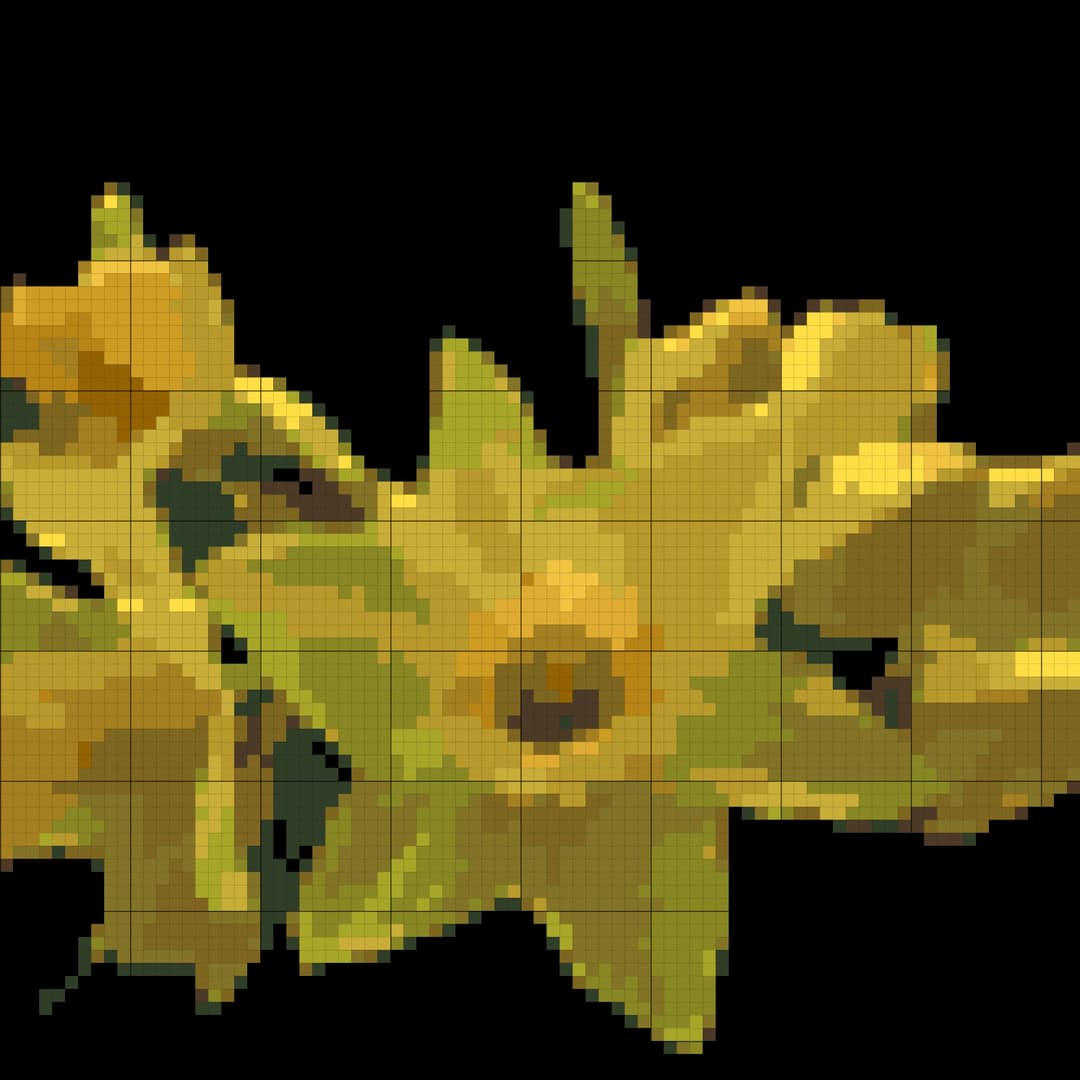
Free White Daisy Cross-Stitch Pattern with DMC Codes

Stitch a delicate white daisy with this free printable cross-stitch pattern. Preview the DMC floss colors, adjust the palette if needed, and export the finished chart as a PDF.

Making white petals visible

White-on-white flowers need subtle shadow stitches. Keep the pale grey and cream tones around the petal edges so the daisy reads clearly instead of disappearing into the fabric.
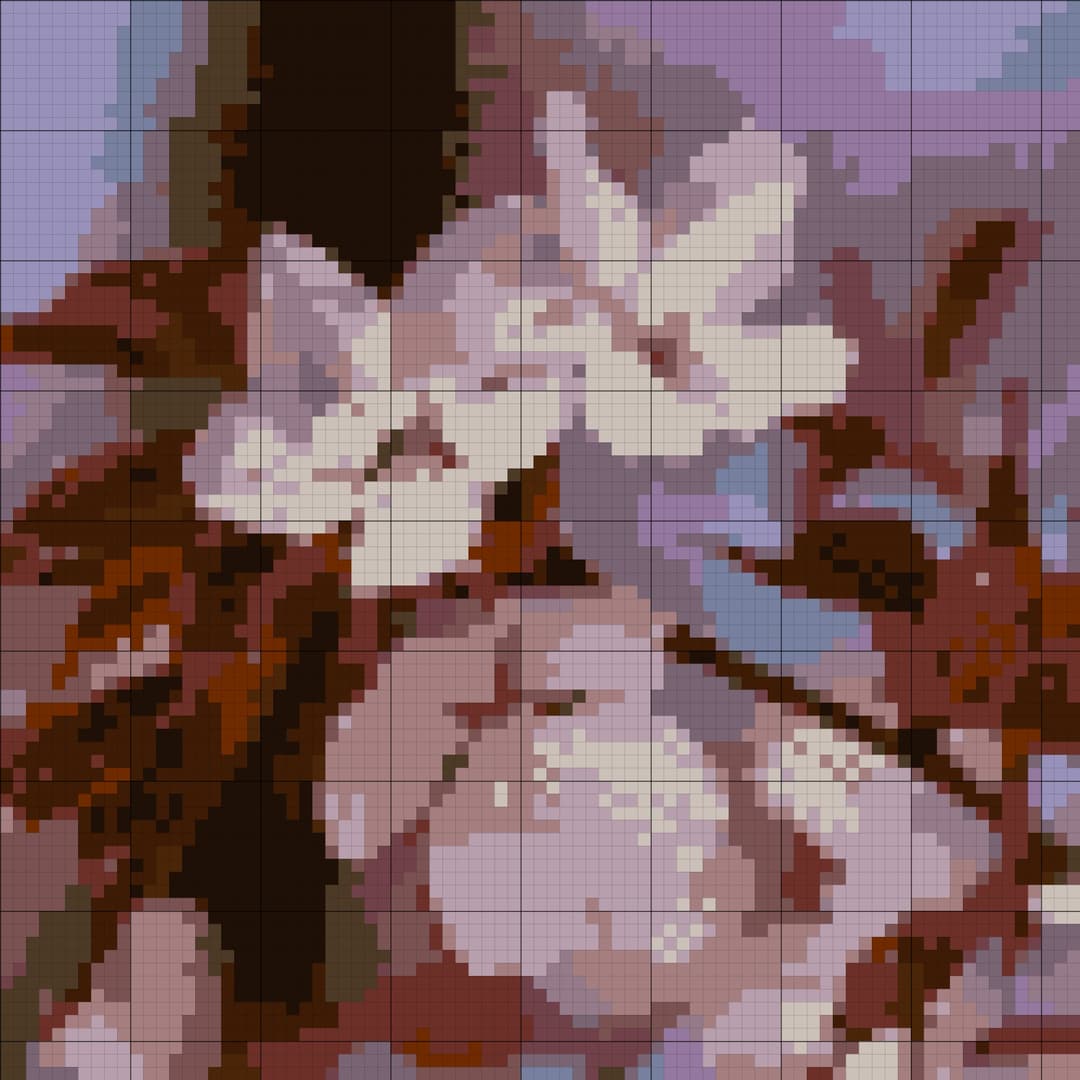
Chart generated by StitchBitz, licensed under the StitchBitz Generated Chart License.

Source photo by Lucas George Wendt, licensed under Unsplash License.

Customise the pattern

Turn any photo or picture into a cross stitch pattern.

StitchBitz is a free cross stitch pattern generator that converts your photo or image into an editable DMC chart. Your picture stays on your device—no sign-up required, with free PDF and JPG downloads.

Upload a photo or image to make a cross stitch pattern

100% free · PNG, JPG, HEIC

or drag a file anywhere

How it works

How to make a cross stitch pattern from a photo using StitchBitz

01

Upload

Convert a photo into a cross stitch pattern directly in the browser-based app. Your photos stay on your device.

02

Isolate

Use the AI background toggle to cut out messy backgrounds before the cross stitch chart is generated.

03

Tune

Adjust the DMC color palette, fabric size, and smart stitchability sliders to reduce confetti and keep the photo readable.

04

Export

Instantly download a high-res, print-ready PDF blueprint with the symbol chart, floss list, and project details.

Real examples

See a photo become a cross stitch pattern

StitchBitz turns the colours and shapes in a picture into a counted grid using real DMC floss shades. Open any example to inspect the chart, materials, and editable pattern.

Built for real projects

From picture to a chart you can actually stitch

A useful photo-to-cross-stitch pattern maker needs to do more than pixelate an image. It should simplify the picture, map it to real thread colours, and leave you in control of the final chart.

01

Real DMC floss colours

Every generated colour is matched to a DMC thread code, so the chart maps to floss you can actually buy and stitch with.

02

Cleaner, more stitchable charts

Stitchability controls smooth noisy areas and reduce isolated confetti stitches while keeping the subject recognisable.

03

Private browser processing

Your photo is processed on your device. It is not sent to StitchBitz or stored on a server.

04

Edit before you download

Adjust colours, remove stitches, add backstitch detail, and check the floss list before exporting a PDF or JPG.

Better source, better chart

What pictures work best for cross stitch?

You can turn any image into a cross stitch pattern, but a few simple choices make the finished chart cleaner and easier to recognise.

Choose one clear subject

Pets, portraits, flowers, ornaments, and simple objects usually translate more cleanly than a crowded scene.

Look for contrast

A well-lit subject that stands apart from its background is easier to simplify into distinct thread colours.

Crop before adding detail

Frame the part you care about first. A tighter crop gives the available stitches to the subject instead of empty space.

Good to know

Photo pattern maker questions

The short version: it is free, private, editable, and designed to produce the files you need to start stitching.

Is the cross stitch pattern generator really free?

Yes. You can convert a photo, edit the generated chart, and download the finished pattern as a PDF or JPG without paying or creating an account.

Does StitchBitz upload or store my photo?

No. Pattern generation and image processing run in your browser, so your photo stays on your device.

Which picture formats can I turn into a cross stitch pattern?

StitchBitz accepts JPG, PNG, HEIC, and WebP images. Clear, well-lit pictures with a distinct subject tend to produce the easiest patterns to stitch.

What is included in the downloaded pattern?

The printable PDF includes a symbol chart, DMC floss list, and project details. You can also download a high-resolution JPG chart.

Have your own photo?

Make it into a cross-stitch pattern

Upload a photo or picture, match it to real DMC floss colours, edit the chart, and download a printable pattern for free.

Learn how to choose a photo and pattern settings
Turn your photo into a free cross stitch pattern

What You'll Need

To stitch this design, you will need a piece of Aida fabric measuring at least 15×15 cm on 16-count Aida. The full DMC floss palette for this chart uses 24 colors:

  • DMC 519
  • DMC 3755
  • DMC 3761
  • DMC 518
  • DMC 3750
  • DMC 3021
  • DMC 932
  • DMC 3325
  • DMC 827
  • DMC 642
  • DMC 310
  • DMC 898
  • DMC 975
  • DMC 415
  • DMC 828
  • DMC 3072
  • DMC 762
  • DMC 3865
  • DMC 225
  • DMC 168
  • DMC 950
  • DMC 970
  • DMC 922
  • DMC 300

Frequently Asked Questions

Is this white daisy cross-stitch pattern good for beginners?

Yes. The daisy has a simple flower shape and a limited palette, making it a gentle project for beginners. The main challenge is keeping the pale petal edges visible on 14-count Aida.

Which DMC colors are used for the daisy?

The chart uses whites, creams, pale greys, and yellows for the flower center. The generated floss key below lists the exact DMC codes and estimated skeins.

What fabric color works best for a white daisy pattern?

A soft blue, pale grey, or natural linen Aida can help white petals stand out. If you use white Aida, keep the shadow stitches in the chart so the daisy outline remains readable.

94 × 94
Grid Size
15×15 cm on 16-count Aida
Fabric Size
advanced
Difficulty

Letting the center carry the motif

The yellow daisy center gives this chart its focal point. Stitch it after the petal outline so the warm DMC colors stay bright and centered inside the soft white flower.

Choose how StitchBitz uses optional cookies

Necessary storage keeps the site working. Analytics helps us understand pattern generation and downloads. Marketing is kept off unless you opt in for future ads and affiliate tools.