
Free Camping Tent Cross-Stitch Pattern with DMC Codes
Stitch a bright tent beneath the trees with this free printable camping cross-stitch pattern. Preview the DMC palette, edit the chart, and export a PDF for your next outdoors-inspired project.
Stitch a bright tent beneath the trees with this free printable camping cross-stitch pattern. Preview the DMC palette, edit the chart, and export a PDF for your next outdoors-inspired project.
Chart generated by StitchBitz, licensed under the StitchBitz Generated Chart License.
Source photo by Jesse Gardner, licensed under Unsplash License.
Have your own photo?
Upload a photo or picture, match it to real DMC floss colours, edit the chart, and download a printable pattern for free.
Learn how to choose a photo and pattern settingsTo stitch this design, you will need a piece of Aida fabric measuring at least 15×15 cm on 14-count Aida. The full DMC floss palette for this chart uses 16 colors:
The bold tent shape makes the subject easy to recognize, while the scenic background adds moderate detail. Beginners can work the orange tent first and add the landscape in small sections on 14-count Aida.
The generated chart uses warm oranges and browns for the tent alongside forest greens, cool blues, and natural neutrals. The exact DMC floss codes appear in the pattern key.
Yes. Open the editable chart, make any palette changes you want, and export a printable PDF with symbols and DMC codes included.
Keep browsing

Travel
A vintage red-and-cream bus-style camper van sits on a wide open beach under a blue summer sky scattered with white clouds. The bold red-and-cream livery against the sandy beach and open sky creates a vibrant, travel-themed palette ideal for adventure-loving stitchers and van life fans.
6,889 stitches
15×15 cm on 14-count Aida
Travel
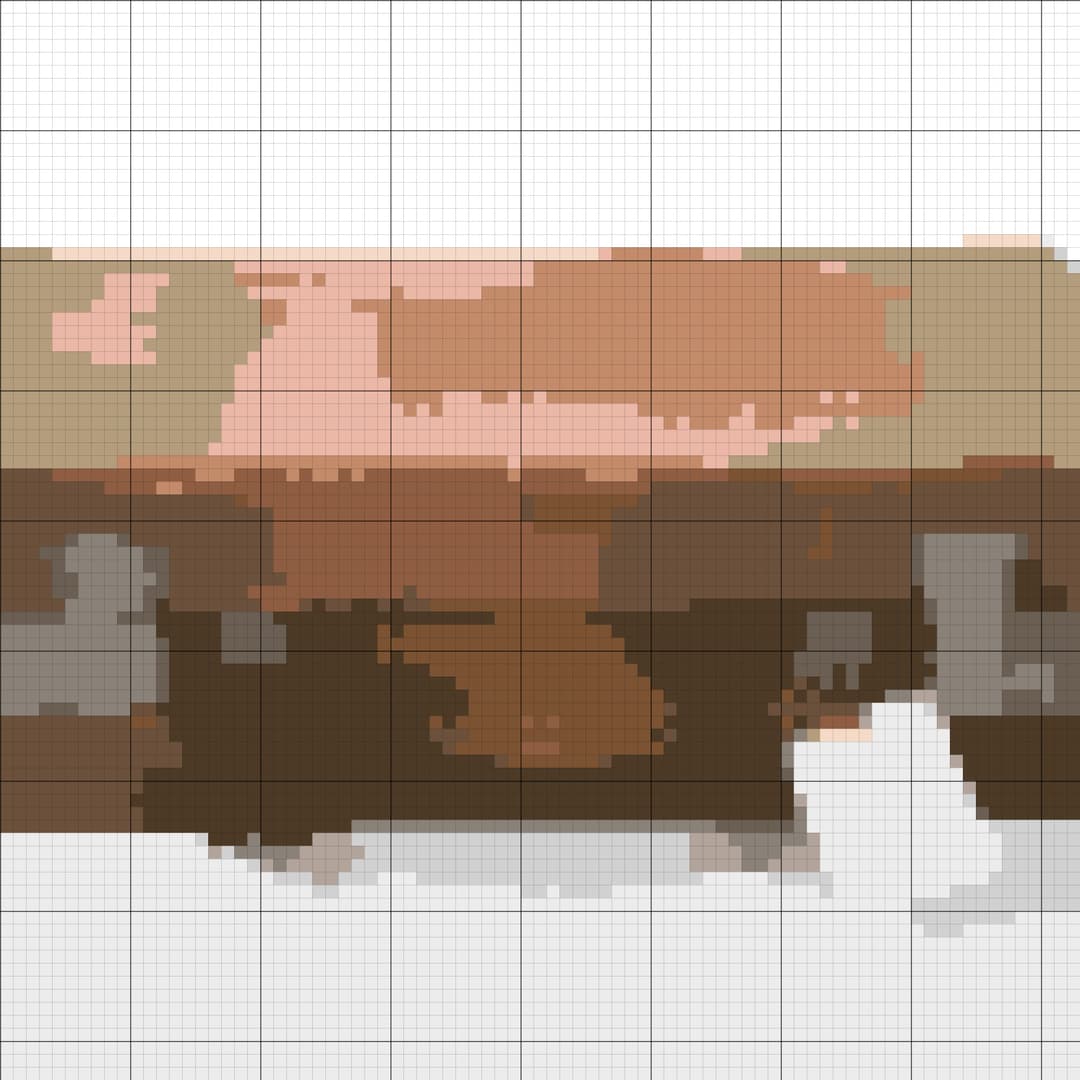
A well-worn brown leather vintage suitcase with brass clasps, a leather carry handle, and a blank luggage tag rests against a clean white museum background. The warm caramel leather tones and aged patina translate into a rich, earthy cross-stitch palette perfect for travel lovers and nostalgia-themed makes.
6,889 stitches
15×15 cm on 14-count Aida
Art
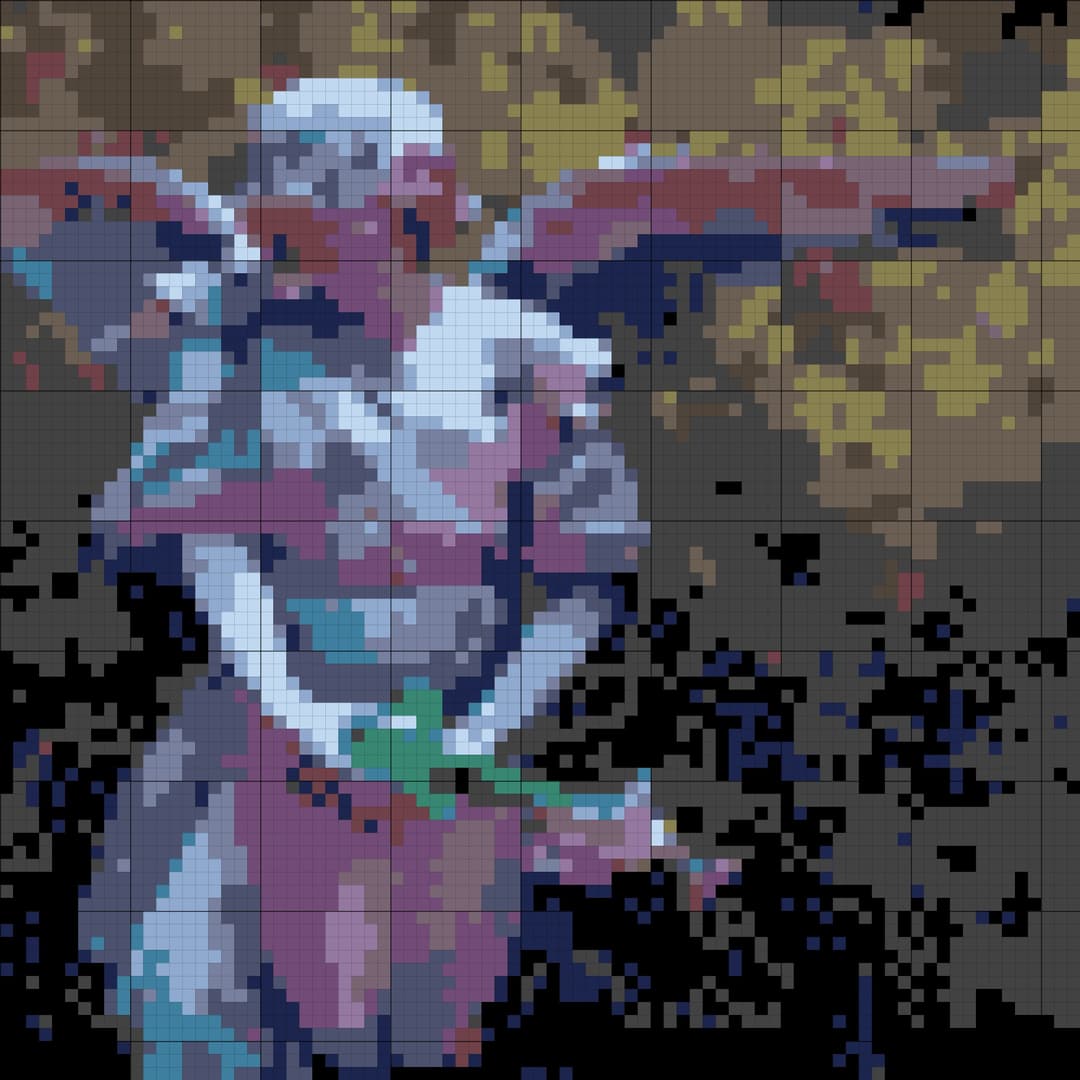
A serene garden angel holds a tiny spray of pink flowers against a softly weathered background. This angel cross-stitch pattern turns the cool stone, pale wings, and bright floral accent into a thoughtful DMC chart that remains readable on 14-count Aida.
6,889 stitches
15×15 cm on 14-count Aida
Choose how StitchBitz uses optional cookies
Necessary storage keeps the site working. Analytics helps us understand pattern generation and downloads. Marketing is kept off unless you opt in for future ads and affiliate tools.